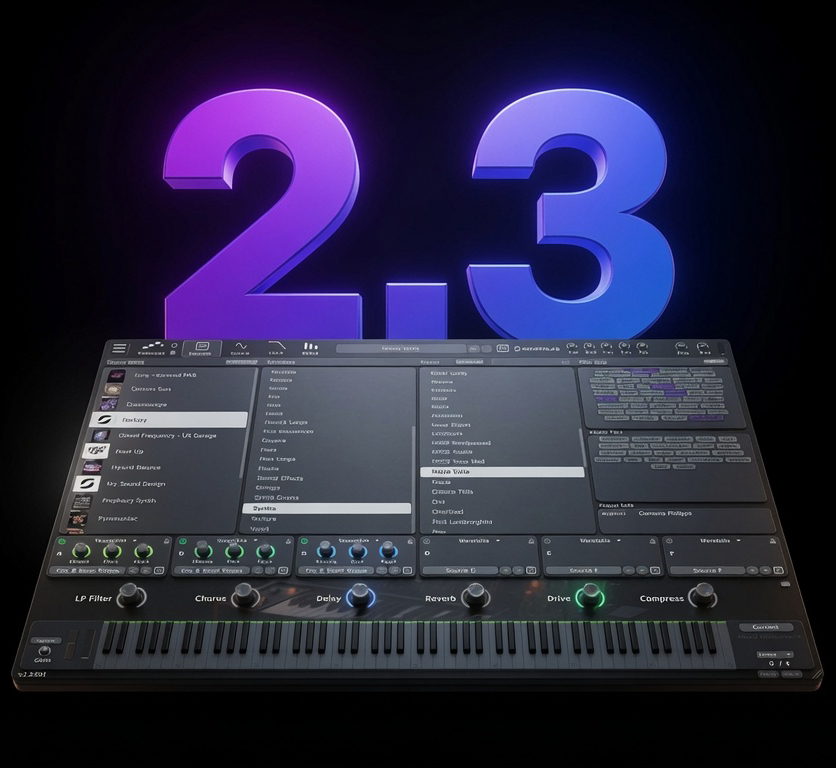
SourceLab 2
The Next Generation Virtual Instrument. Now with a revolutionary Skin & Plugin Editor.
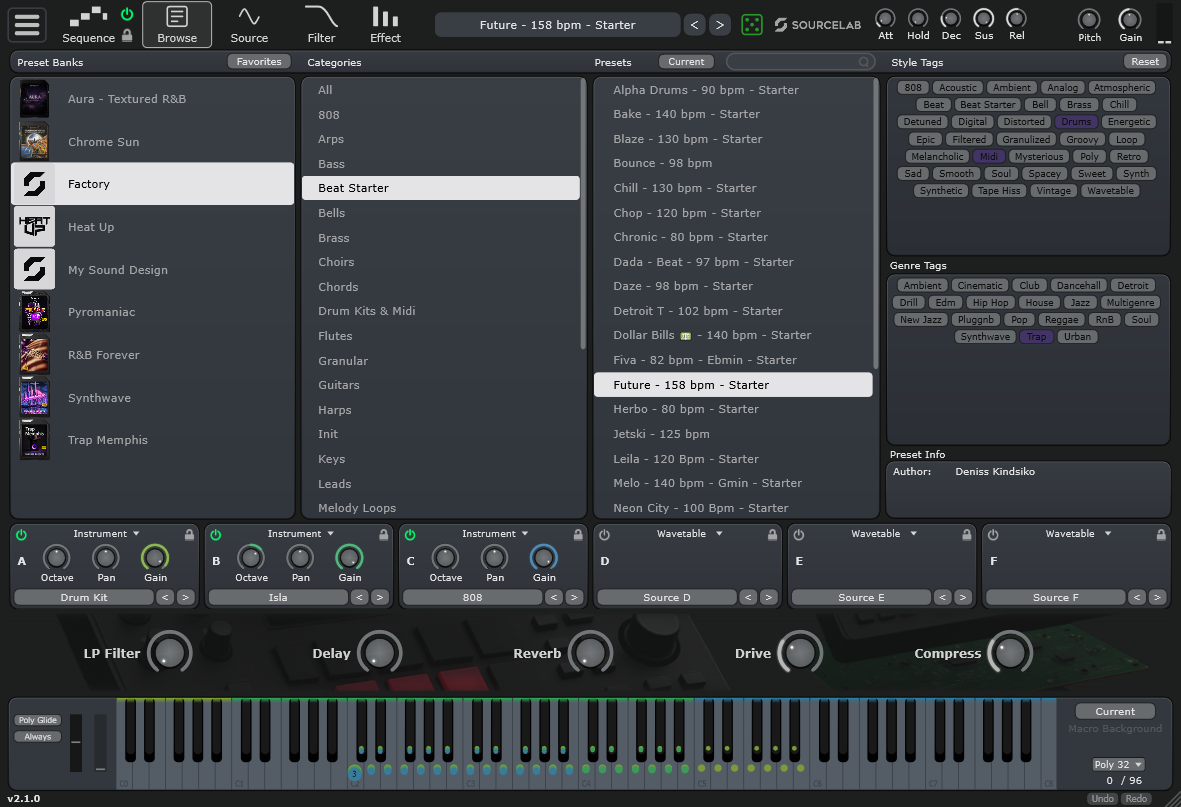
Limitless Sound Design
SourceLab 2 takes wavetable synthesis and sampling to the next level. With over 2,300 presets, advanced modulation, and our new drag-and-drop Skin Editor, you have complete control over your sound and your interface.

Unleash Professional Power
SourceLab features a high-performance 6-layer hybrid engine. Each sound source is capable of Wavetable, Sampler, or Loop Slicer modes. With per-voice unison control, ZTX time-stretch, warp modes, and FM synthesis, you have complete control over every sonic detail.
- 6 Independent Sound Sources
- Wavetable, Sampler, or Loop Slicer modes
- ZTX Time-Stretch Algorithm
Precision Engineered by Initial Audio
SourceLab isn’t your everyday plugin cobbled together from generic samples—it’s a state‑of‑the‑art hybrid modular virtual‑analog powerhouse, born from years of obsessive coding and sound‑design passion.
- One-click generation of morphing wavetables. Supports Sektor & Serum tables.
- Convert Loop Slicer markers to MIDI.
- Automatic root note detection and mapping for multisample imports.
- Load Initial Slice loops into Source layers with slice positions intact.
- Per-voice unison control with individual wavetable positioning.
- Note-triggering on key release for extra expressive dimension.
- Self-contained preset files: No "missing sample" errors.
- Emoji‑enabled preset names and drag‑and‑drop export of presets, MIDI and wavetables straight from the browser to your desktop.
- Animated, audio‑reactive backgrounds driven by code, plus customizable colors.

Complete Control
Dive deep into sound design with dedicated pages for every aspect of your instrument.
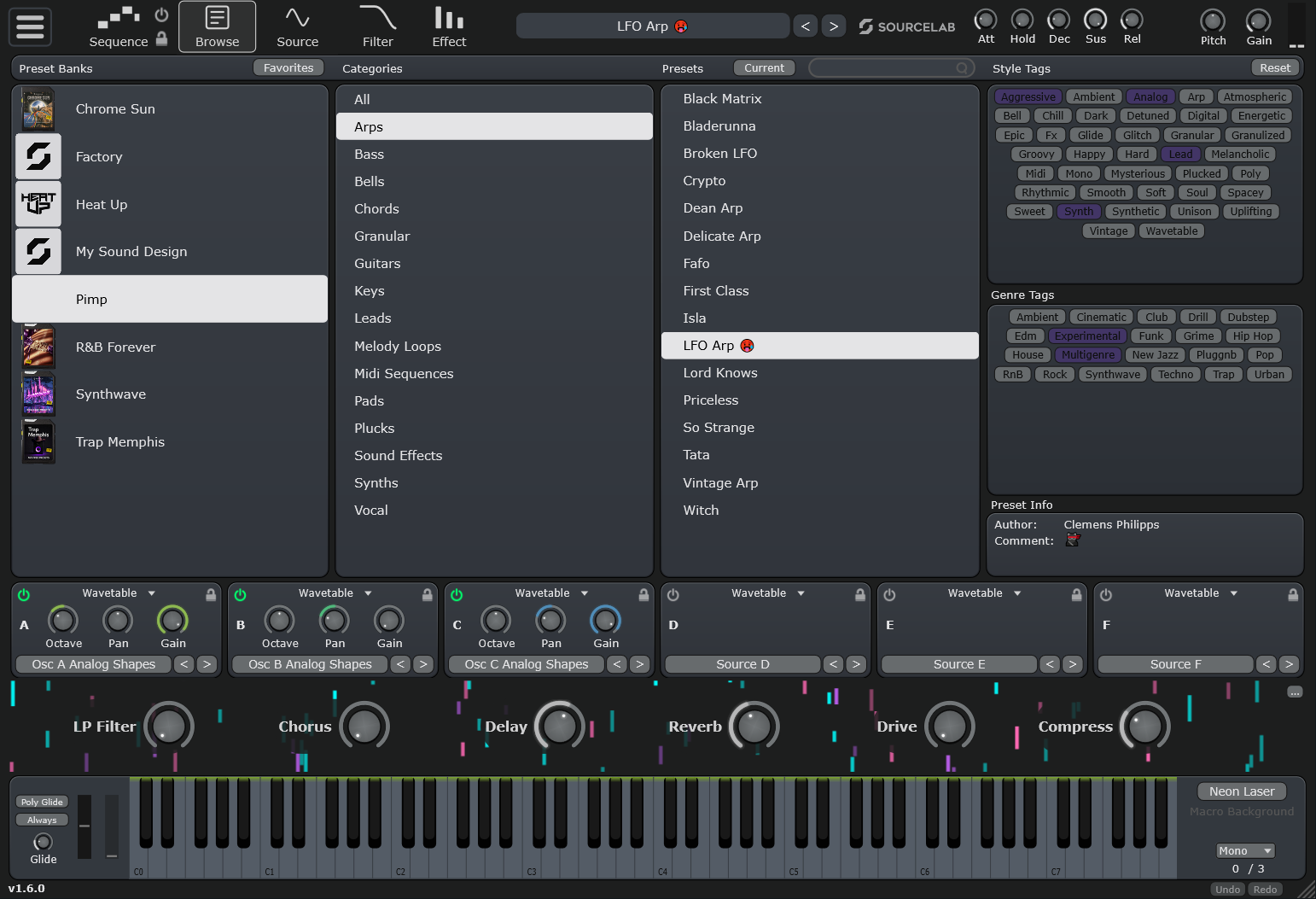
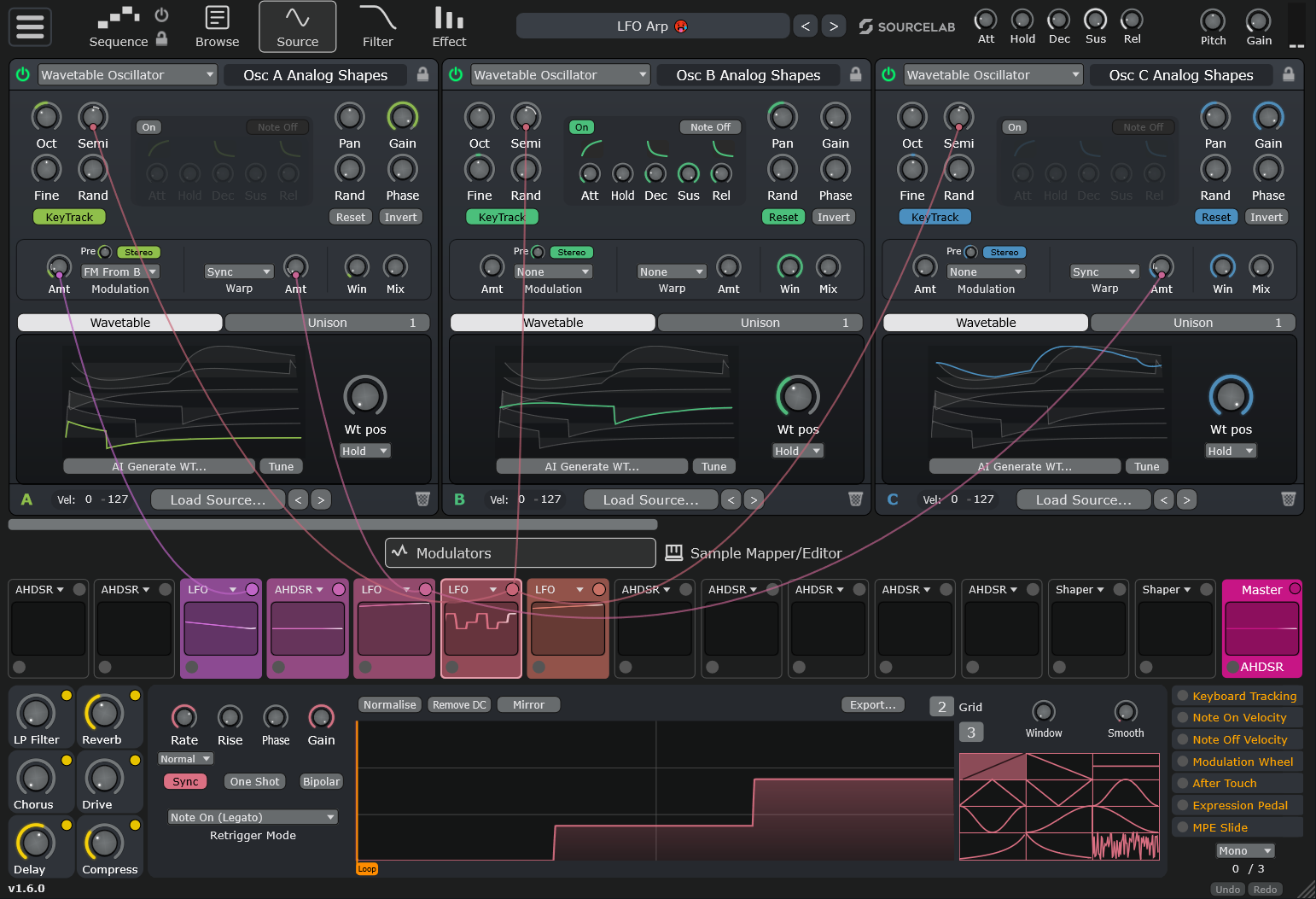
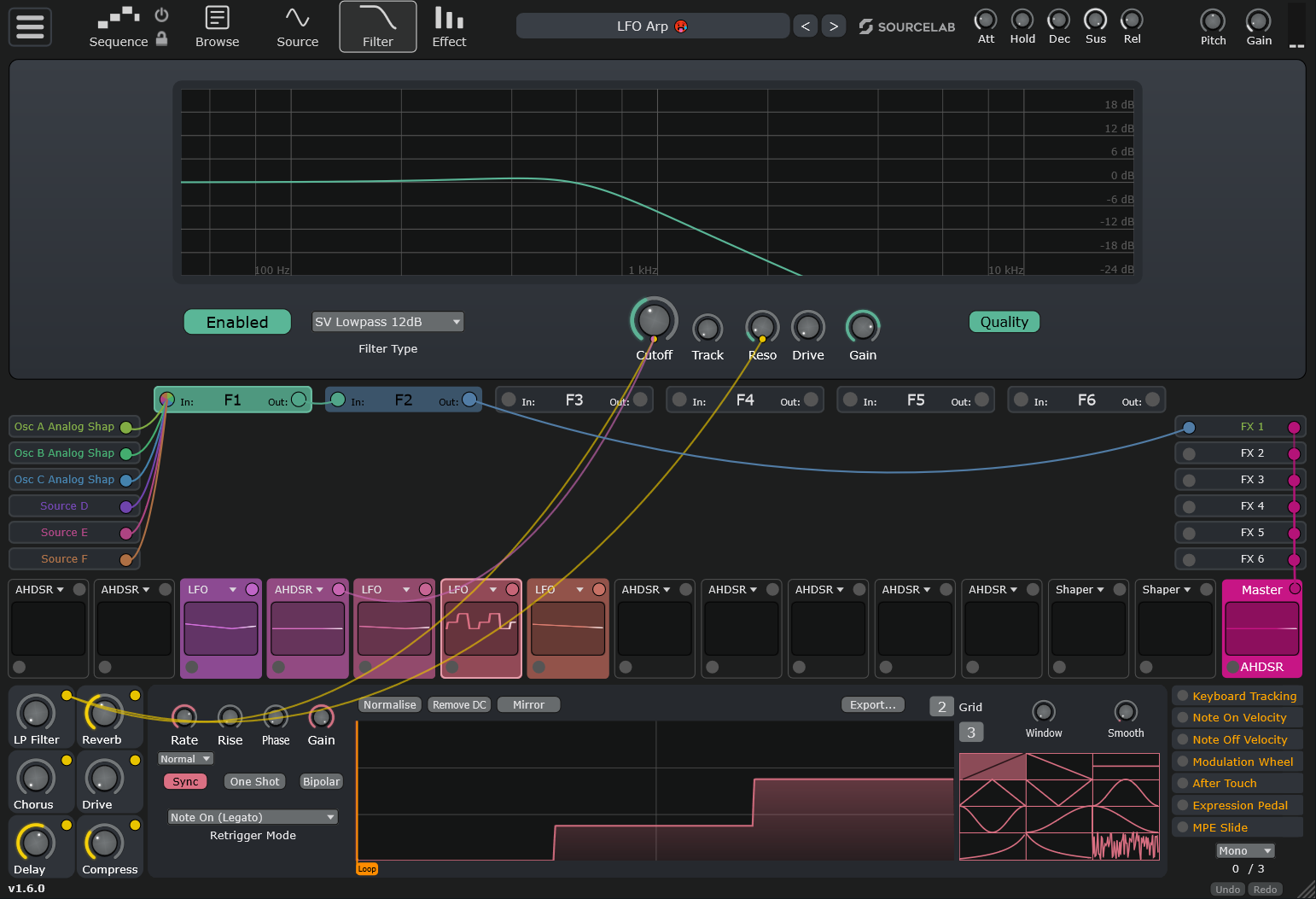
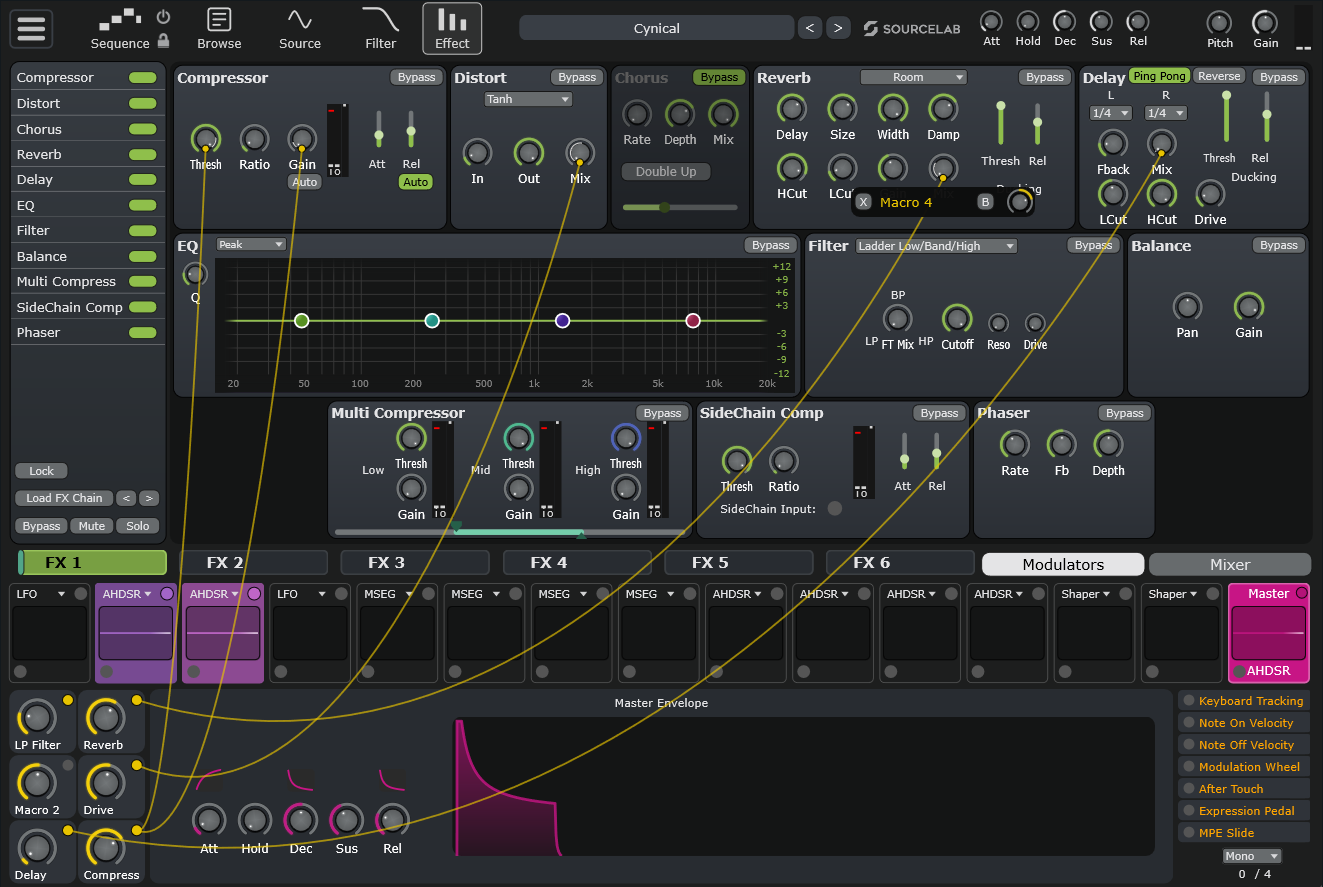
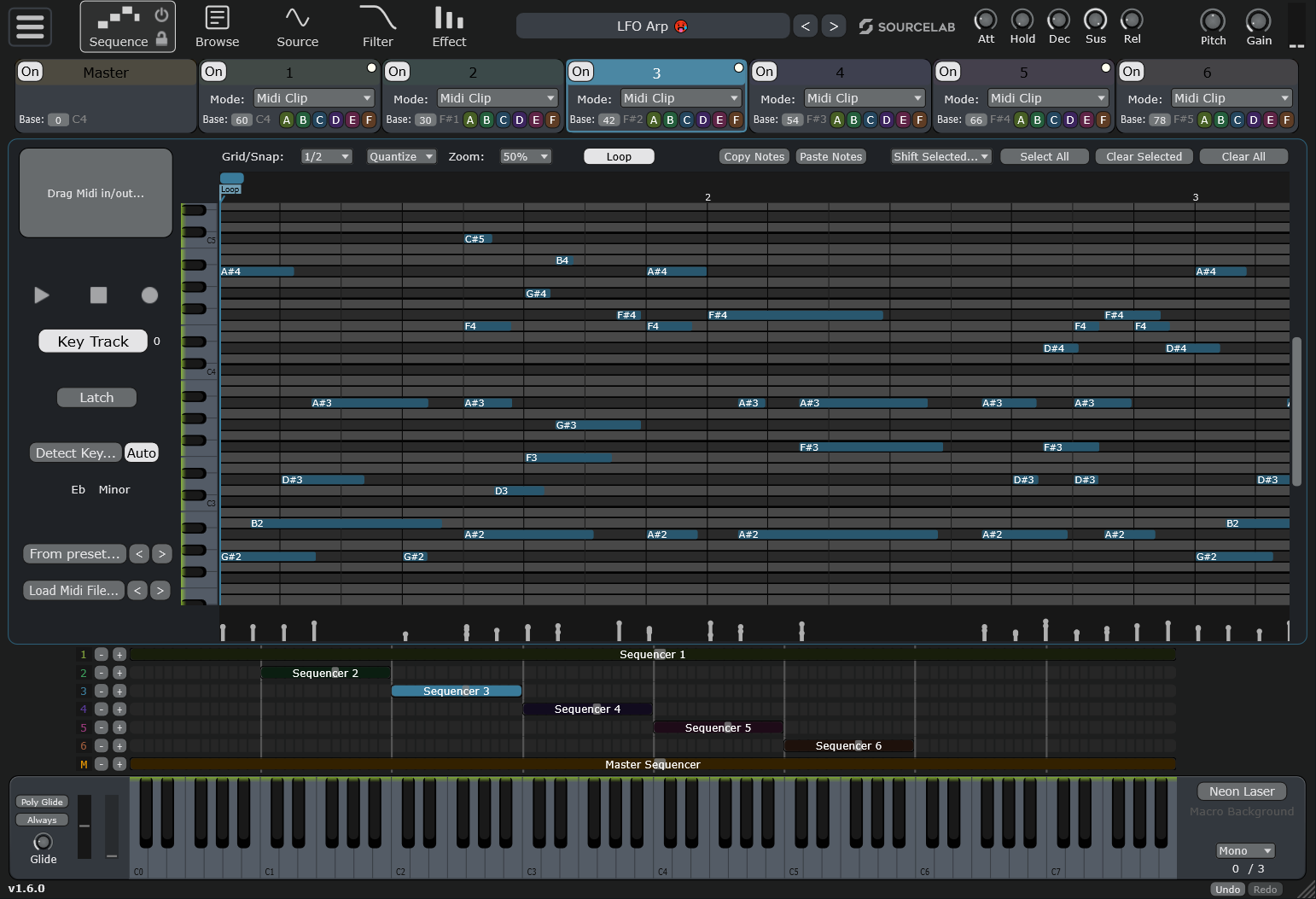
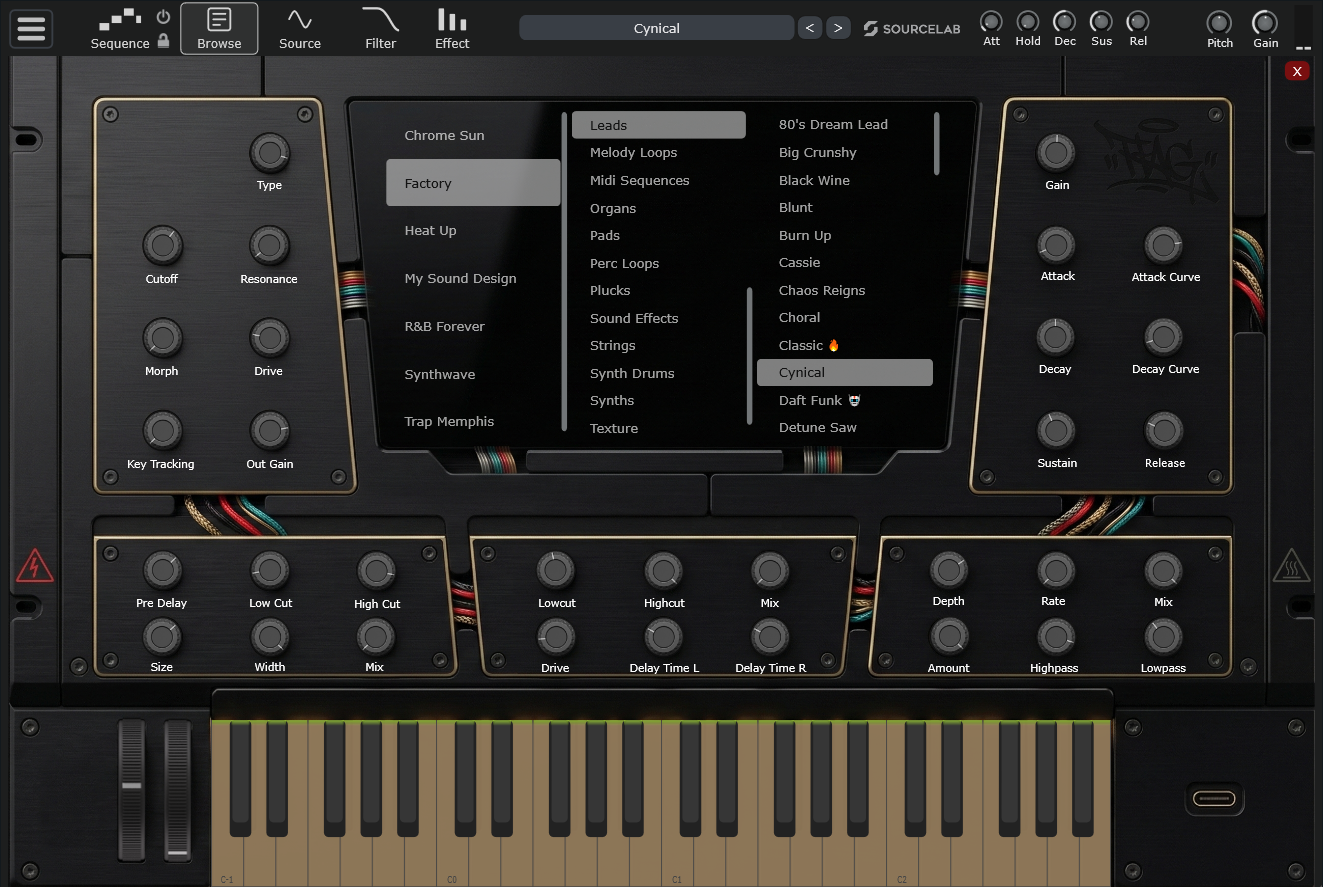
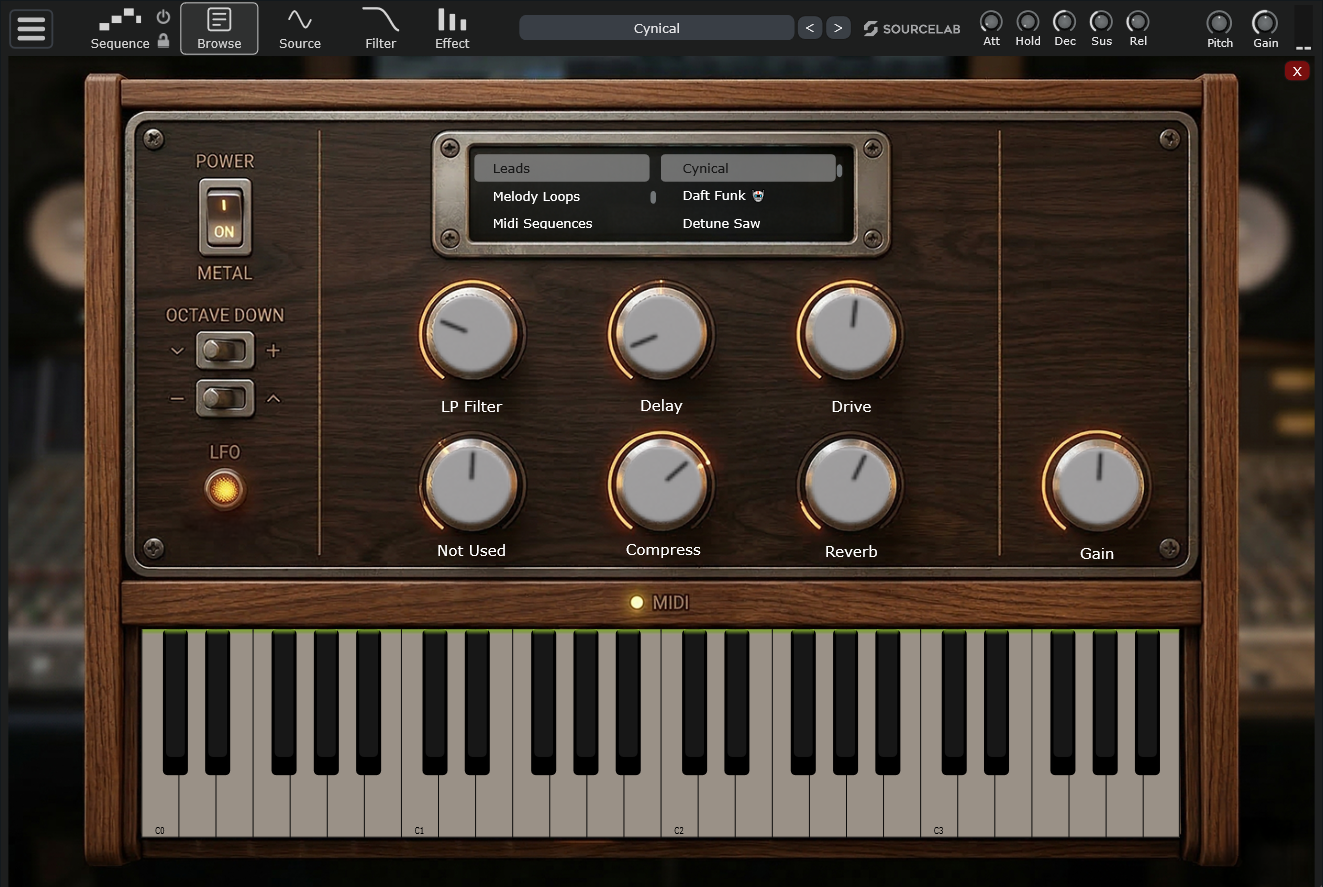
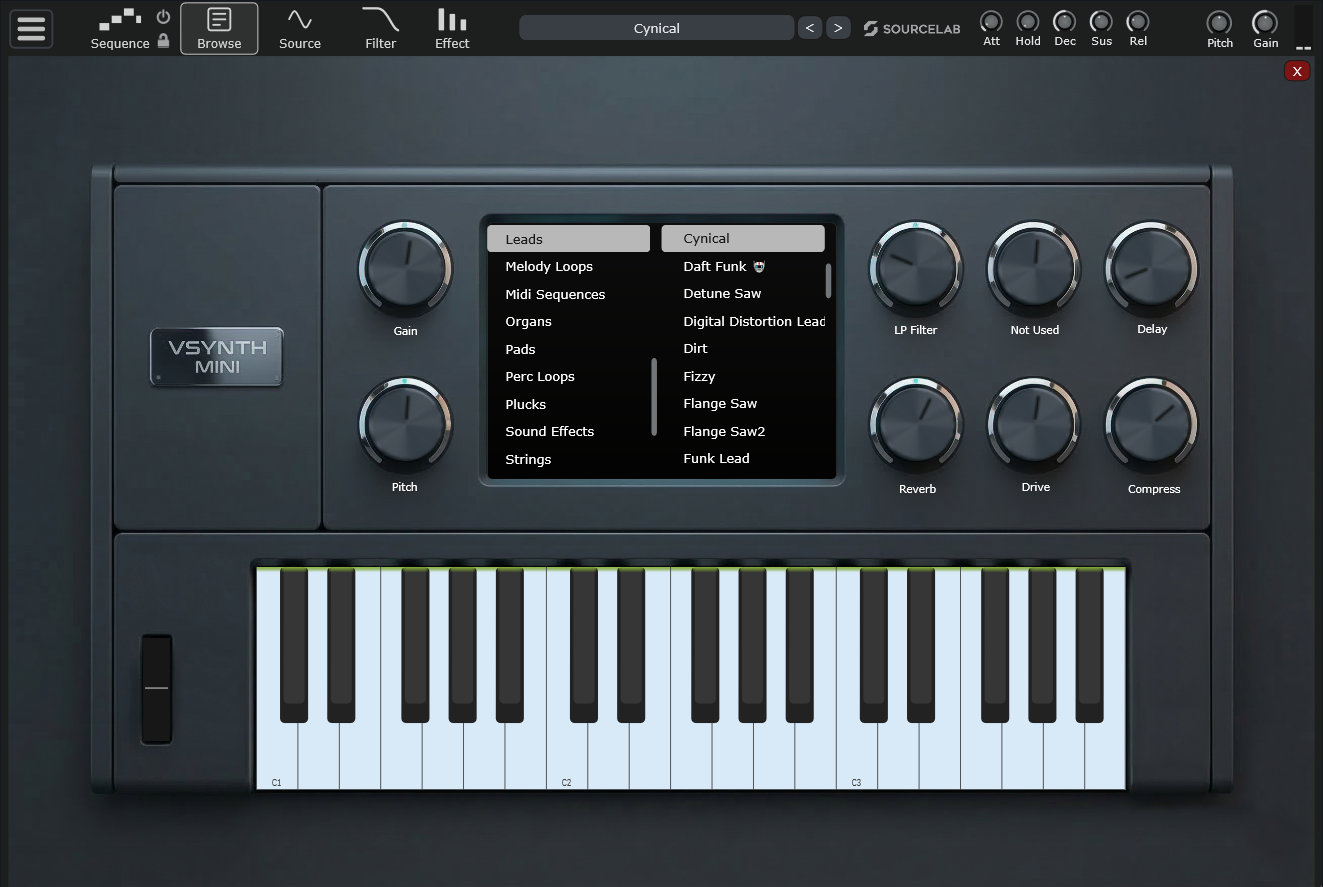
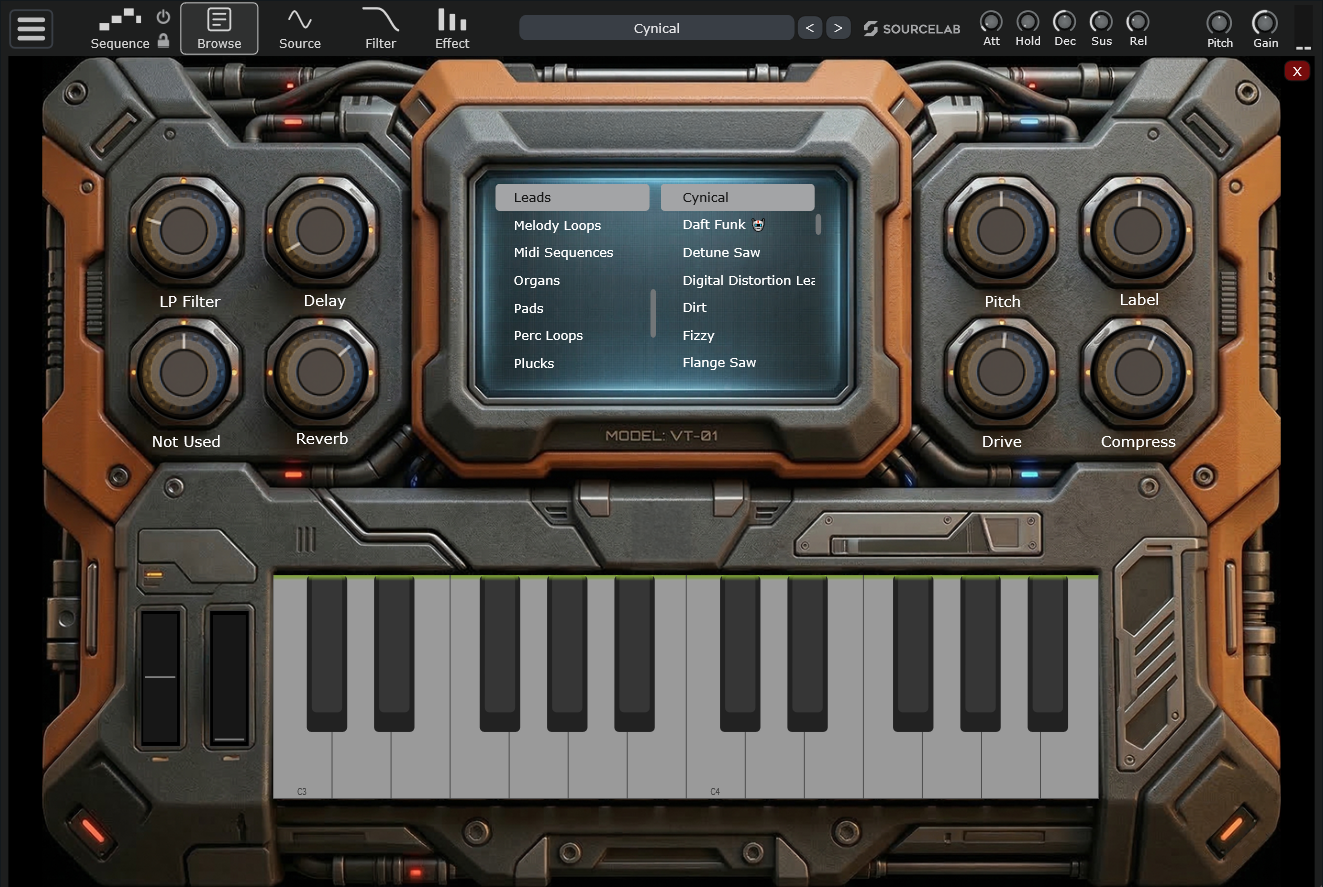
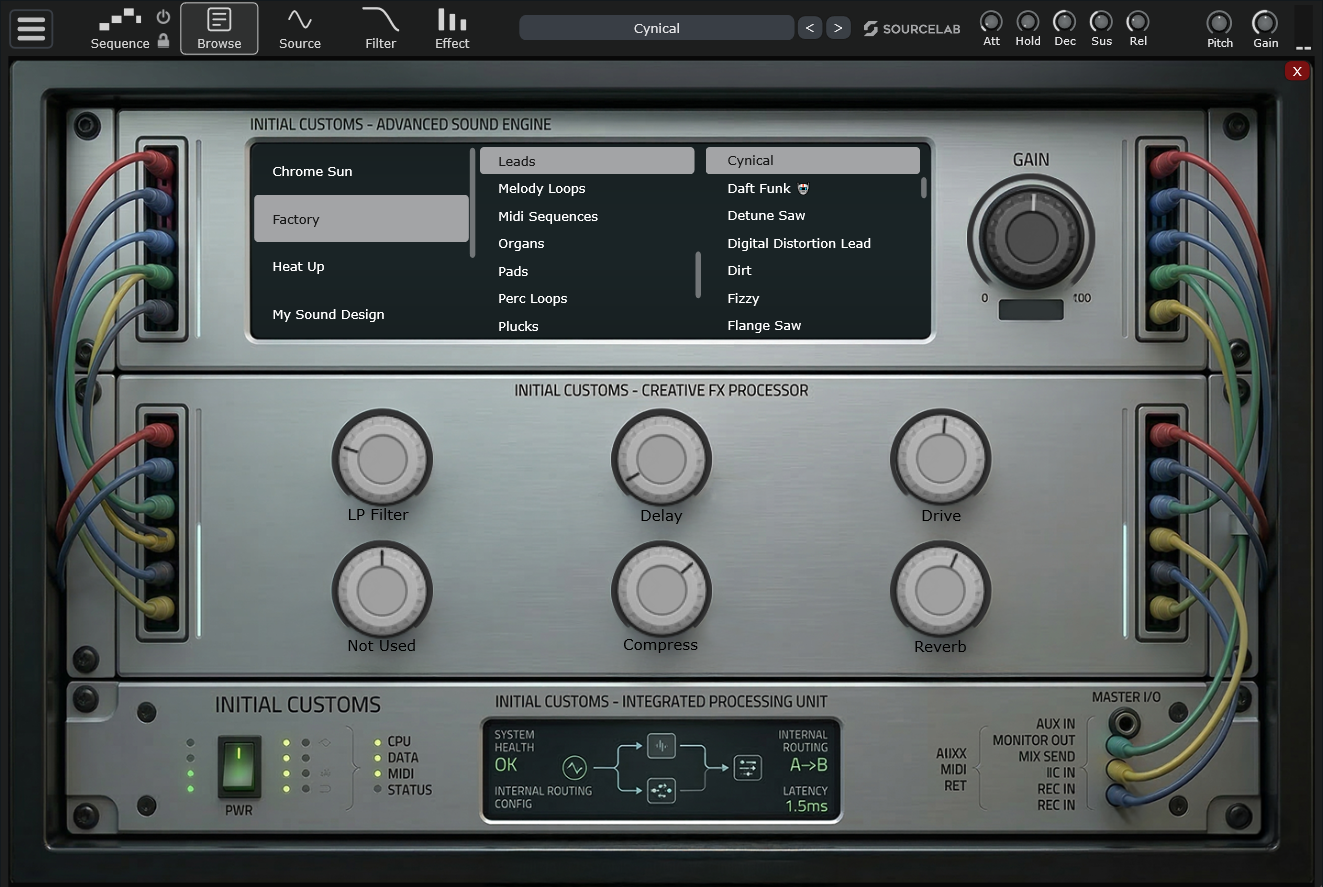
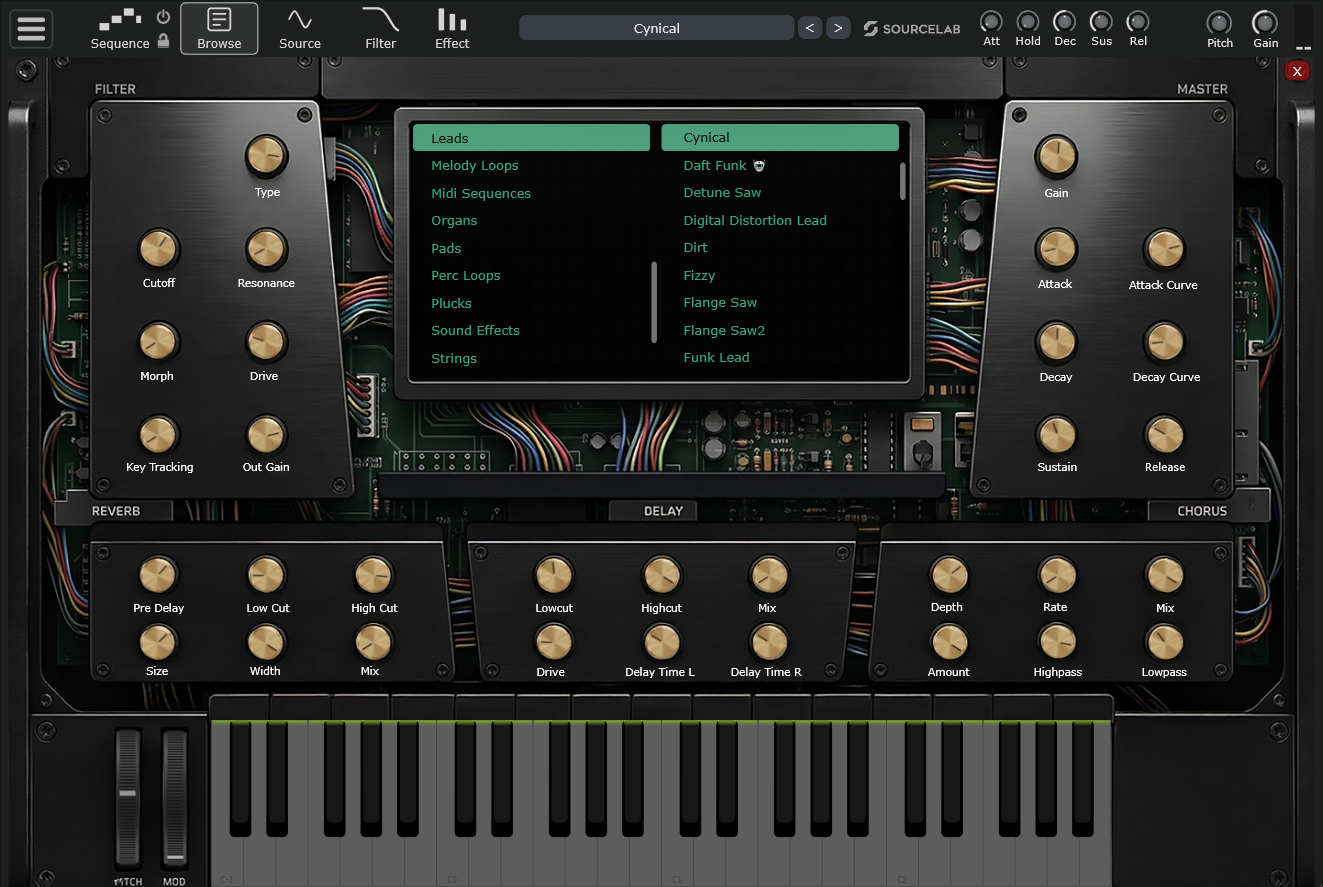
Build Your Own Plugin
Create completely customized audio plugin UIs with access to all parameters the engine has to offer. With 25+ professional skins included, you can jumpstart your designs. No scripting needed. Just drag, drop, and design.
- ✓Drag & Drop Interface
- ✓No Scripting Required
- ✓Full Parameter Access
- ✓Skin Composites & Tabbed Components
- ✓25+ Professional Skins Included
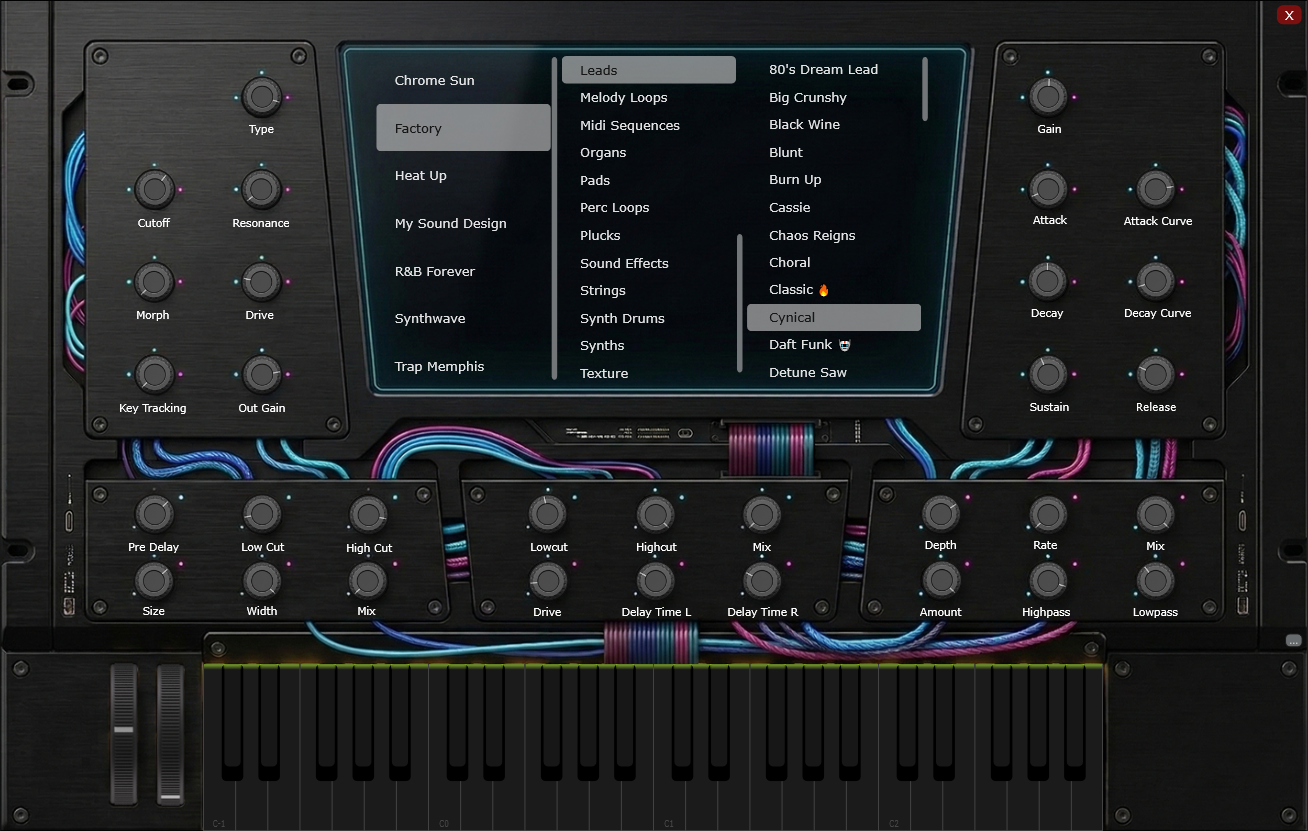
Fully Heat Up 3 Compatible
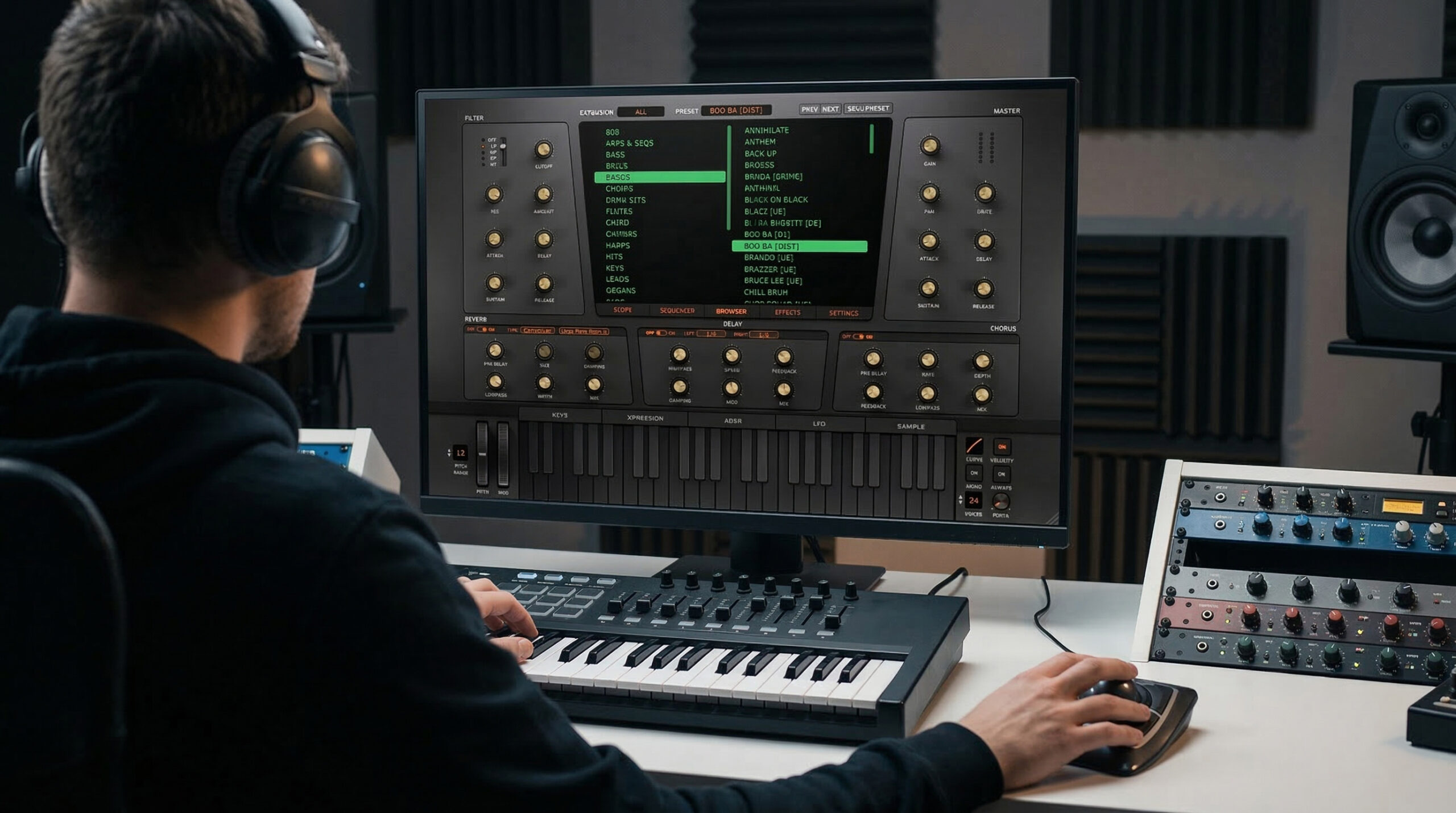
SourceLab comes with ~2,300 factory presets right out of the box. It is also fully compatible with the entire Heat Up 3 library – giving you access to over 13,000 high-quality instruments across 61 libraries. Load Heat Up 3 content directly into SourceLab and unlock powerful new possibilities.
- 13,000+ High-Quality Instruments
- 61 Libraries Supported
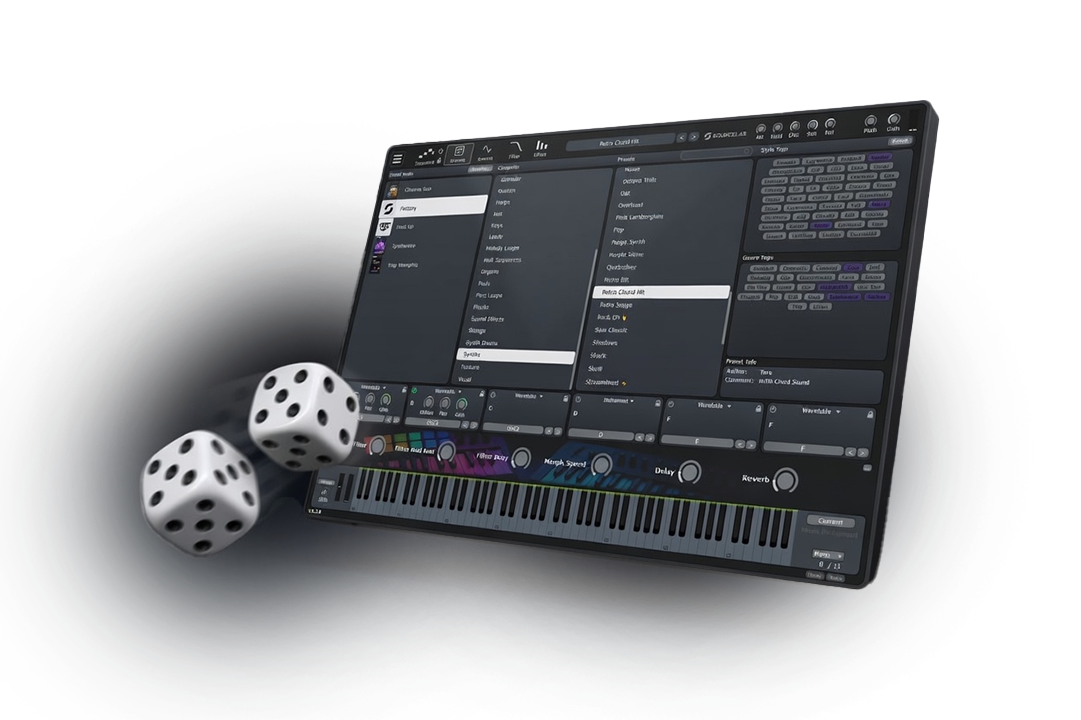
Intelligent Preset Randomization
Generate completely new presets with a single click. Select your desired category (Bells, Brass, Bass, Leads, etc.) and let SourceLab create unique, production-ready sounds tailored to that exact style.
- Category-Aware Generation: Smart algorithms build usable, genre-specific patches.
- Infinite Inspiration: Never run out of starting points for your tracks.
- Simply click the 🎲: Generate new presets with one click.
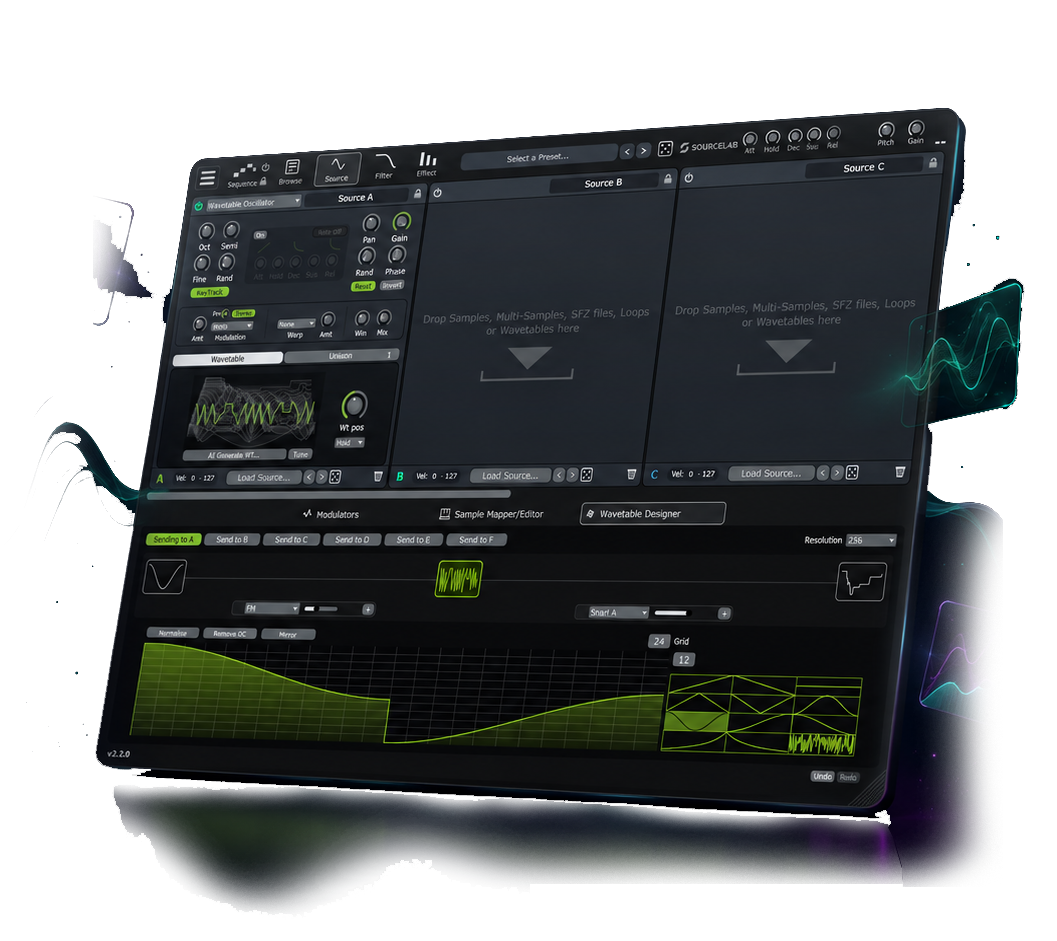
Wavetable Designer
Create custom wavetables from scratch with the new timeline-based editor and multiple morph modes. Shape movement, experiment with morphing, and design unique oscillator content with ease.
- Timeline-Based Editing: Build and shape custom wavetable motion step by step.
- Multiple Morph Modes: Explore different ways to blend and transform waveforms.
- Creative Sound Design: Craft unique wavetables for modern, production-ready sounds.
Next-Gen Features
Everything you need to create the perfect sound, packed into one powerful engine.
Skin & Plugin Editor
Drag and drop interface creation. No coding required. Add custom background images, toggle browser outlines, and specify dedicated components.
AI Wavetables
Generate unique wavetables instantly using AI for never-before-heard sounds and modulations.
SFZ Support
Full support for SFZ Soundfontz formats. Drag and drop .sfz files directly onto a Source or the Sample Mapper.
Velocity Ranges
Advanced sound source velocity range mapping. Create hyper-real multisample-based instruments effortlessly.
MIDI CC Learn
Right-click any knob to enter 'learn' state and instantly map it to your hardware. Includes a dedicated Midi Mapper page.
Modulation
14+ modulators, AHDSR, LFO, MSEGs. Drag & drop routing.
Sequencing
6-layer sequencer, master lane, polyrhythms. Loop slice to MIDI drag-and-drop. Drag MIDI files directly to piano roll.
Granular
Density, pitch ±24 semitones, random options, dedicated Arp Mode.
Round Robin Support
Add overlapping samples with Random or Sequence playback modes. Works flawlessly for samplers, wavetables, and loop slices.
Free Expansion Packs
Four Preset Banks, Free For Every SourceLab User.
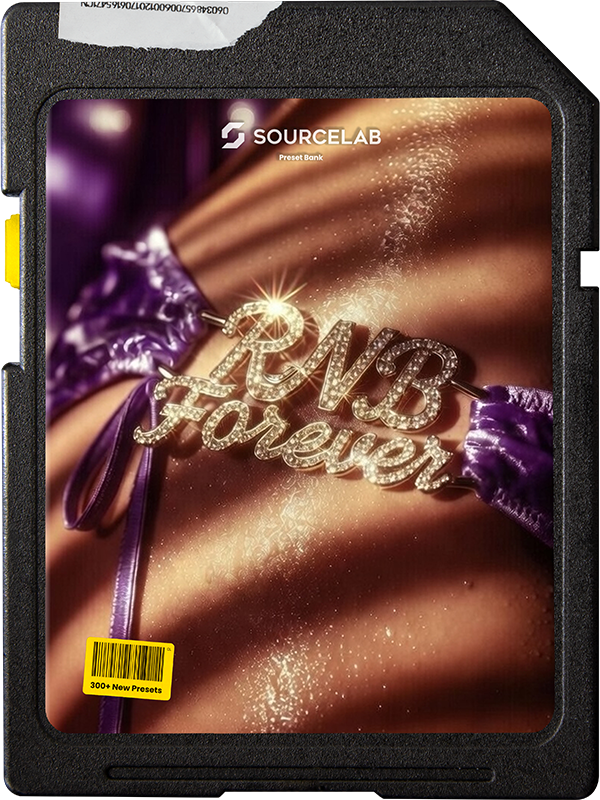
R&B Forever
400+ presets • ~1.2 GB • 808s, bass, keys, pads, drums & more.
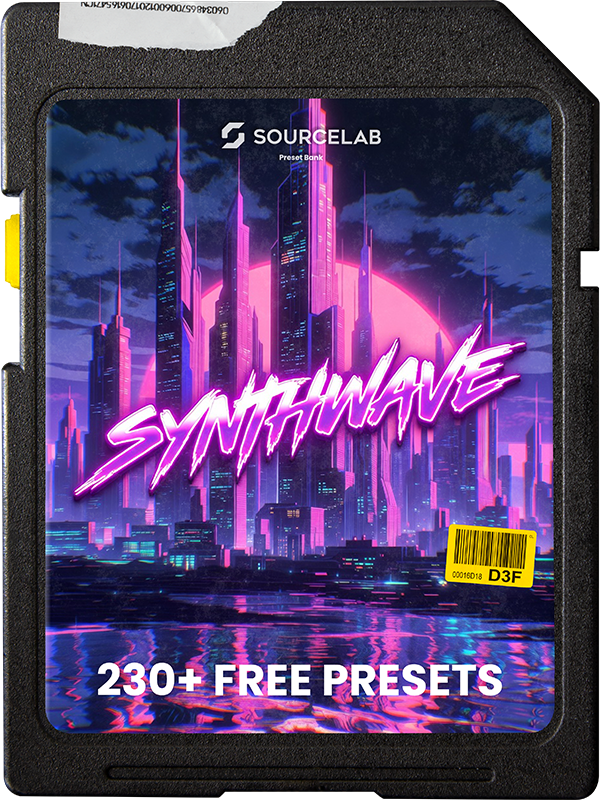
Synthwave
230+ presets • ~420 MB • Retro futuristic analog sounds.
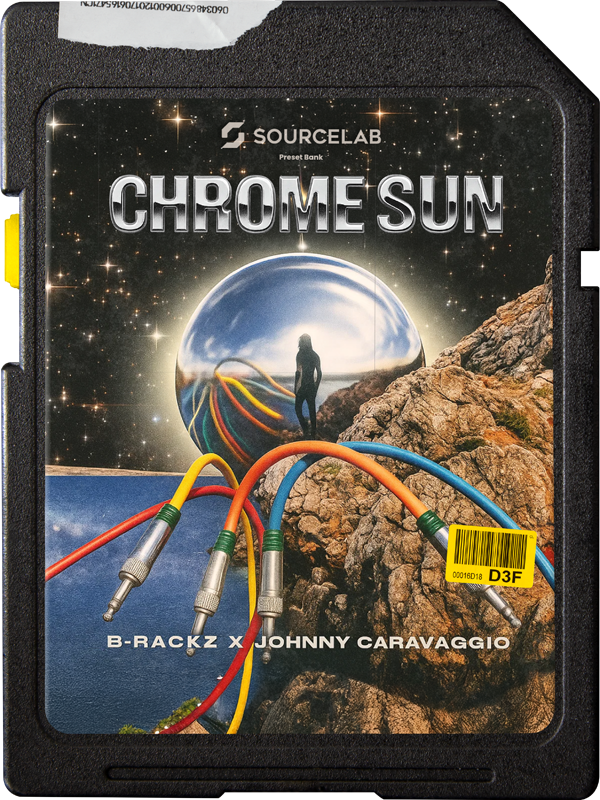
Chrome Sun
200+ presets • ~1 GB • B-Rackz (Drake, Gunna, Lil Baby & more)
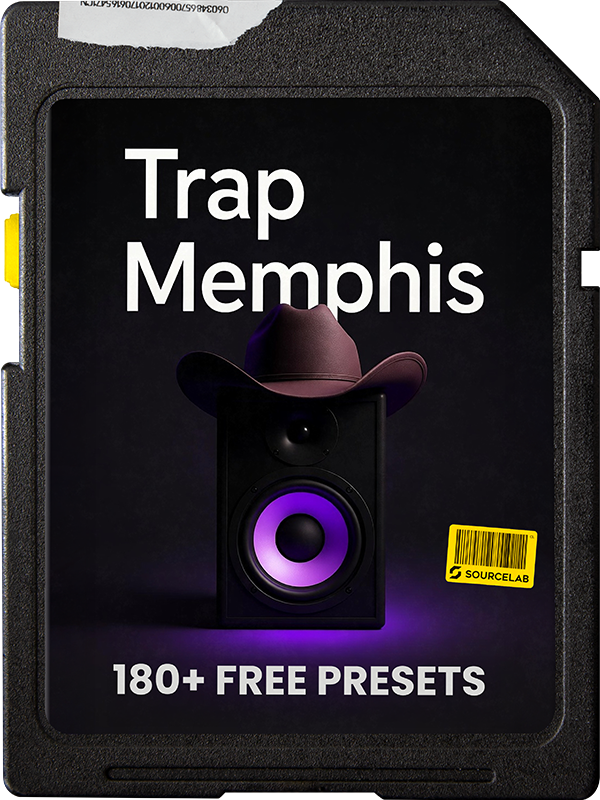
Trap Memphis
180+ presets • ~380 MB • 808s, bass, keys, pads, drums & loops
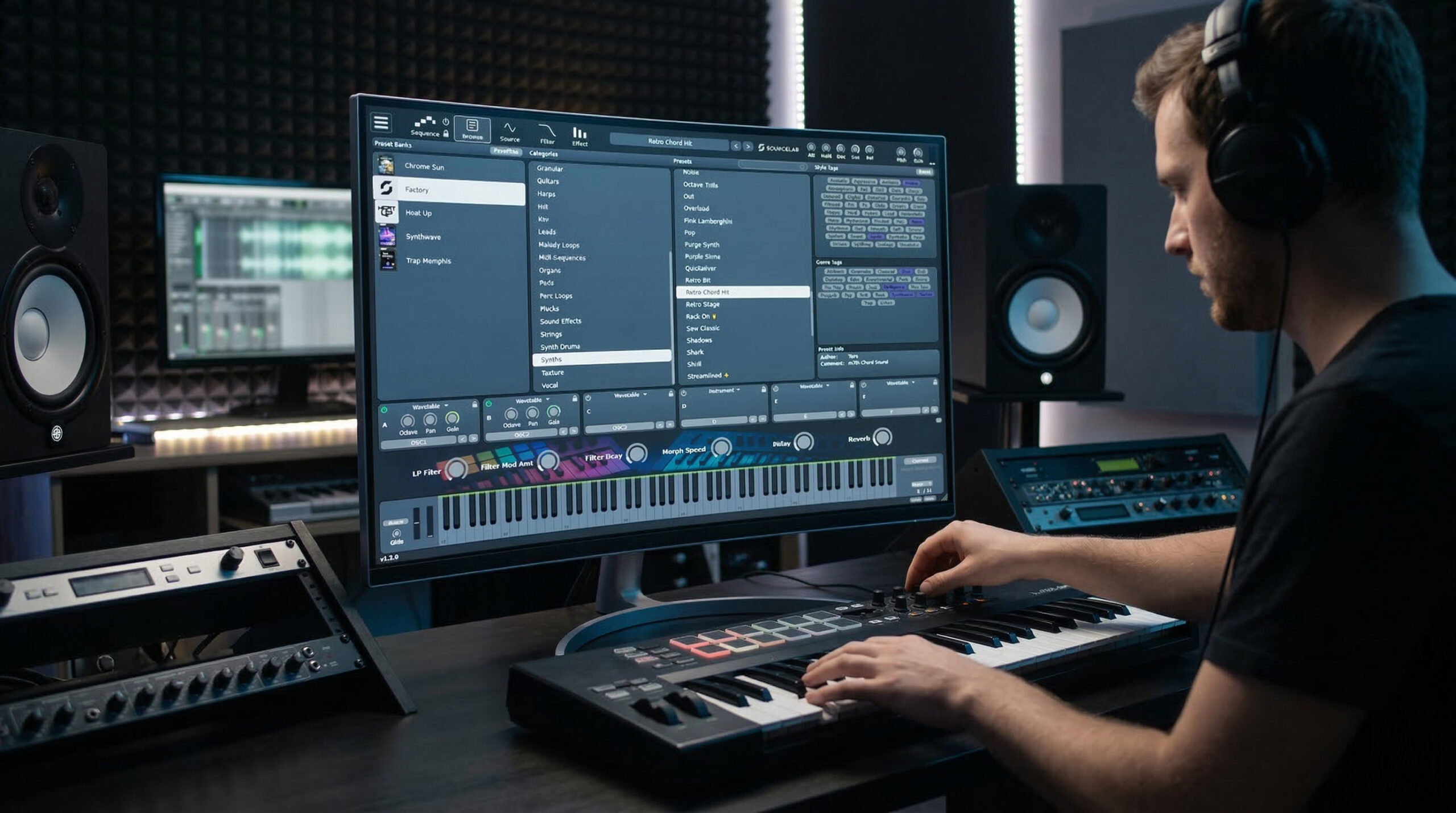
Welcome to SourceLab
See SourceLab 2 in action.
First Steps in SourceLab
Learn the basics and start creating your own instruments.
A Platform That Evolves With You
With SourceLab, you're not just getting a plugin – you're joining a platform designed to grow with you. Create presets featuring synths, samples, loops, chords, arps, MIDIs, keyzones, layers, effects, and more.
Try Free Demo.
Experience the power of SourceLab before you buy. Available for Windows and Mac.
Ready in minutes.
Easy to use all in one installer. Use the installer to download, update or uninstall SourceLab. The free demo allows you to try out all features and presets.
No registration required. Fully functional demo.
Pay Once, Own Forever
No subscriptions. No renting. Includes all future updates for free.
SourceLab License
Intro Price
- ~2,300 Presets & 4 Free Expansions
- Windows and Mac Compatible
- VST3, AU, AAX, Standalone
- Lifetime Free Updates
Frequently Asked Questions
How do I install or update SourceLab?
To install, update, or uninstall SourceLab, simply run the official installer. If a newer version is available on the server, you will see an "Update" button within the installer.
How do I import expansion packs?
You can easily import SourceLab or Heat Up 3 expansion packs by dragging the downloaded .slbank or .heatupExp file directly into the library section on the left side of the preset browser within the plugin.
How do I activate the full version?
Click the menu button (three stripes) at the top-left of the plugin and select "SourceLab Activation." Enter the email and password associated with your initialaudio.com account and click "Login."
Is it compatible with Heat Up 3?
Yes! SourceLab can load all Heat Up 3 libraries and expansion packs.
Compatible with all major DAWs
System Requirements
- Windows 10, 11 (64-bit)
- macOS 10.13+ (64-bit)
- Apple Silicon & Intel
- 8 GB RAM Recommended
Formats
- VST3
- Audio Unit (AU)
- AAX (Pro Tools)
- Standalone App
Specs
- ~2,300 Total Presets
- 4 Expansions Included
- 6 FX Racks
- Resizable Vector GUI
License
- Perpetual License
- Instant Delivery
- Free Lifetime Updates
- 4 Simultaneous Activations